

Rock On: How Orderry Helps Guitar Repair Shop Stay in Tune
7 June 2024
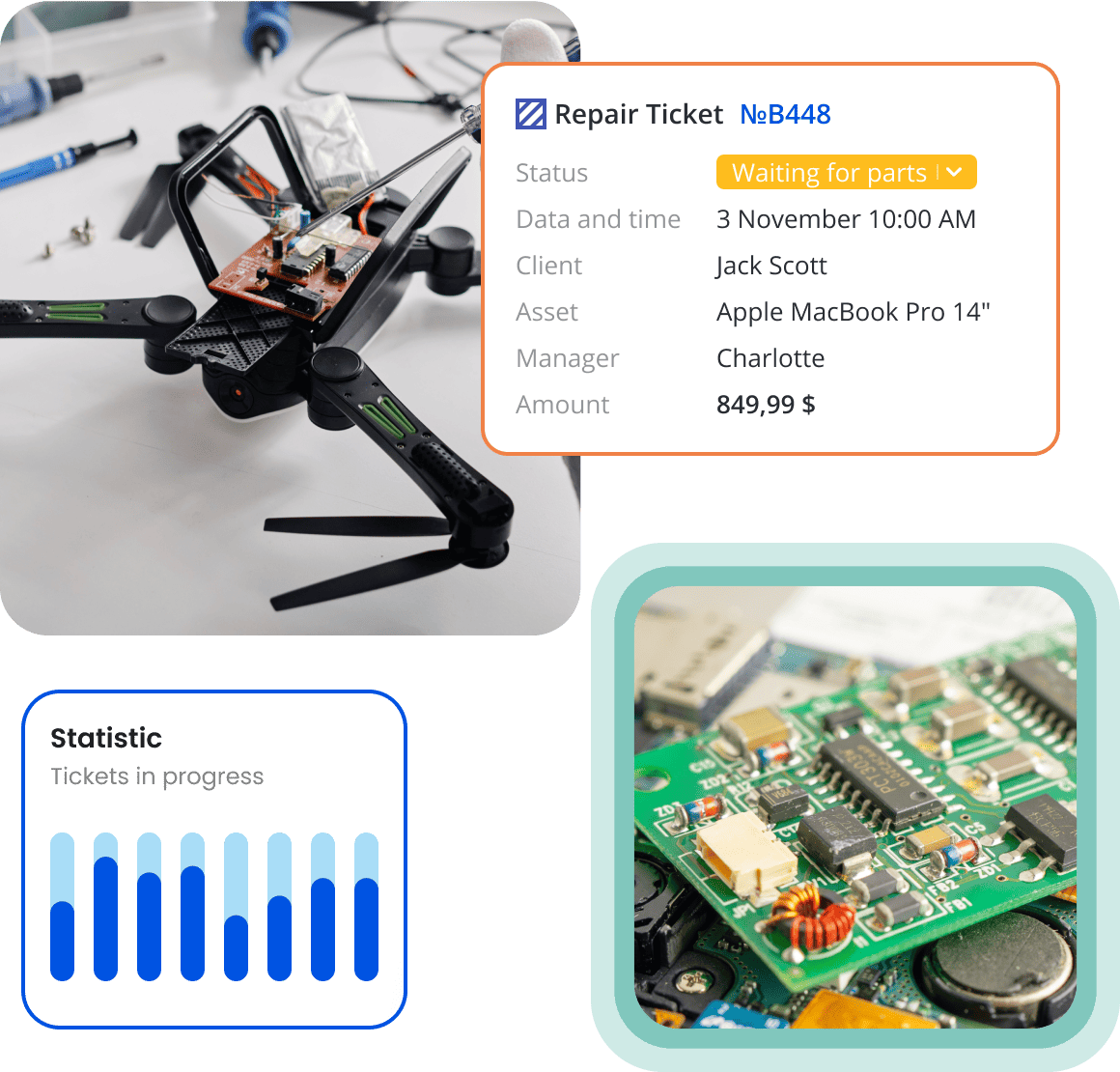
Orderry helps you organize every repair, speed up your workflow, and get paid faster. It connects tickets, inventory, payments, and reporting so your shop runs smoothly every day.

End-to-end ticket management
AI-powered automation and live updates
Online invoices and secure payments


Orderry is flexible enough to match your workflow, whether you specialize in electronics, computers, cell phones, automotive, appliances, or other service-based repairs.
Proven Results From Repair Shop Ticket Software in Action
“Orderry helped us reduce the turnaround time by more than 60 times. It allows us to serve, on average, 200 more devices than we did before.”

Start every repair the right way with structured ticket creation. Orderry’s repair tracking software keeps your workflow smooth and prevents missed steps or lost information.

Open new tickets in seconds with saved customer and device details.
Move jobs through custom stages with full visibility for your team.
Keep all notes, photos, parts, and labor attached to one ticket.
Start Your Free 7-Day Trial
Set up your workflow, create tickets, and explore every key feature before you decide. No credit card required.
Whether you're in the shop, at another location, or off-site, your repair tickets stay within reach. Orderry’s app for repair services keeps your operation flexible and responsive.
Update jobs, add notes, and upload photos directly during inspections.
Record labor and parts usage as work happens from Orderry mobile app.
Create invoices and accept payments via scan-to-pay.

How Ticket Management System Helps Repair Shops Grow
“When we started to expand our repair shops, we needed good software to manage all processes in one system. That’s exactly what Orderry is great for.”

Send clear estimates, get customer approval online, and turn them into invoices with just a click. With Orderry’s invoicing software, everything is linked to the repair ticket, so you avoid double entry and get paid faster.
Share estimates through online approval forms with secure e-signatures.
Convert approved estimates into online invoices instantly.
Accept in-person payments or send payment link via SumUp, Square, and Stripe directly from the ticket.
Explore Orderry With an Expert
See how Orderry can be tailored to your repair shop’s workflow, team size, and industry.

Orderry’s inventory management software links your stock directly to service repair tickets, so parts are tracked automatically, and your team always knows what’s available.
Reserve parts directly from a repair ticket to prevent double-selling or shortages.
Track real-time stock levels with low-inventory alerts.
Create and send purchase orders and update stock automatically upon receipt.

Trusted by Repair Shops Around the World
“The moment I saw that Orderry could connect our entire operation — customer registration, full repair history, real-time order tracking, communication, inventory, and spare parts — I knew it was the tool we needed.”

The business metrics software turns your repair ticket data into clear insights you can actually use. See what drives profit, where time is lost, and how to improve performance.
View revenue and profit by job, technician, or date range.
Measure team efficiency and turnaround times.
Spot your top-selling services and most profitable repairs.

Embed a live repair status checker on your website so customers can track their repairs anytime without calling your shop.

Send automated updates through connected SMS, messenger, and email channels to keep customers informed at every stage of the repair.

Use AI tools to generate customer replies, improve service descriptions, and organize catalog data in seconds.

Let technicians clock in and out digitally to monitor attendance and total hours worked.

Type in the IMEI and let Orderry instantly complete the device details for you.

Combine frequently used services and parts into ready-made packages to speed up ticket creation.
Orderry helps your repair business stay organized today and ready to grow tomorrow by bringing tickets, payments, inventory, and reporting into one connected system.
Track every repair from check-in to pickup.
Get guided onboarding and step-by-step guidance in the Help Center.
Grow with a system that evolves through regular feature updates.

Try Orderry Free for 7 Days
Create unlimited repair tickets, test automation, manage inventory, and explore all core features. No credit card required.
Frequently Asked Questions about Repair Ticket Software

Most repair shops can get started within a few hours. With guided onboarding, ready-made workflows, and access to the Help Center, you can begin creating tickets and managing repairs the same day.
Yes. You can view, update, and manage repair tickets from your smartphone or tablet using the mobile app. Technicians can add notes, track labor, attach photos, and update job statuses in real time, whether they’re in the shop or on a service call.
Yes. With the Ticket Status Widget in Orderry, customers can check repair progress on your website, reducing incoming calls and improving transparency.
Absolutely. Repair ticket solutions like Orderry help small shops stay organized and scale operations, while also supporting multi-location businesses with advanced reporting and workflow tools.
Yes. You can create detailed estimates with parts and labor breakdowns, send them for online approval with e-signature, and convert approved estimates into online invoices in one click.
Repair shop ticket software reduces manual paperwork, automates workflow stages, tracks technician progress, and prevents lost or delayed jobs. This helps repair shops complete more work in less time.